

Take the booking, the deposit and the order.
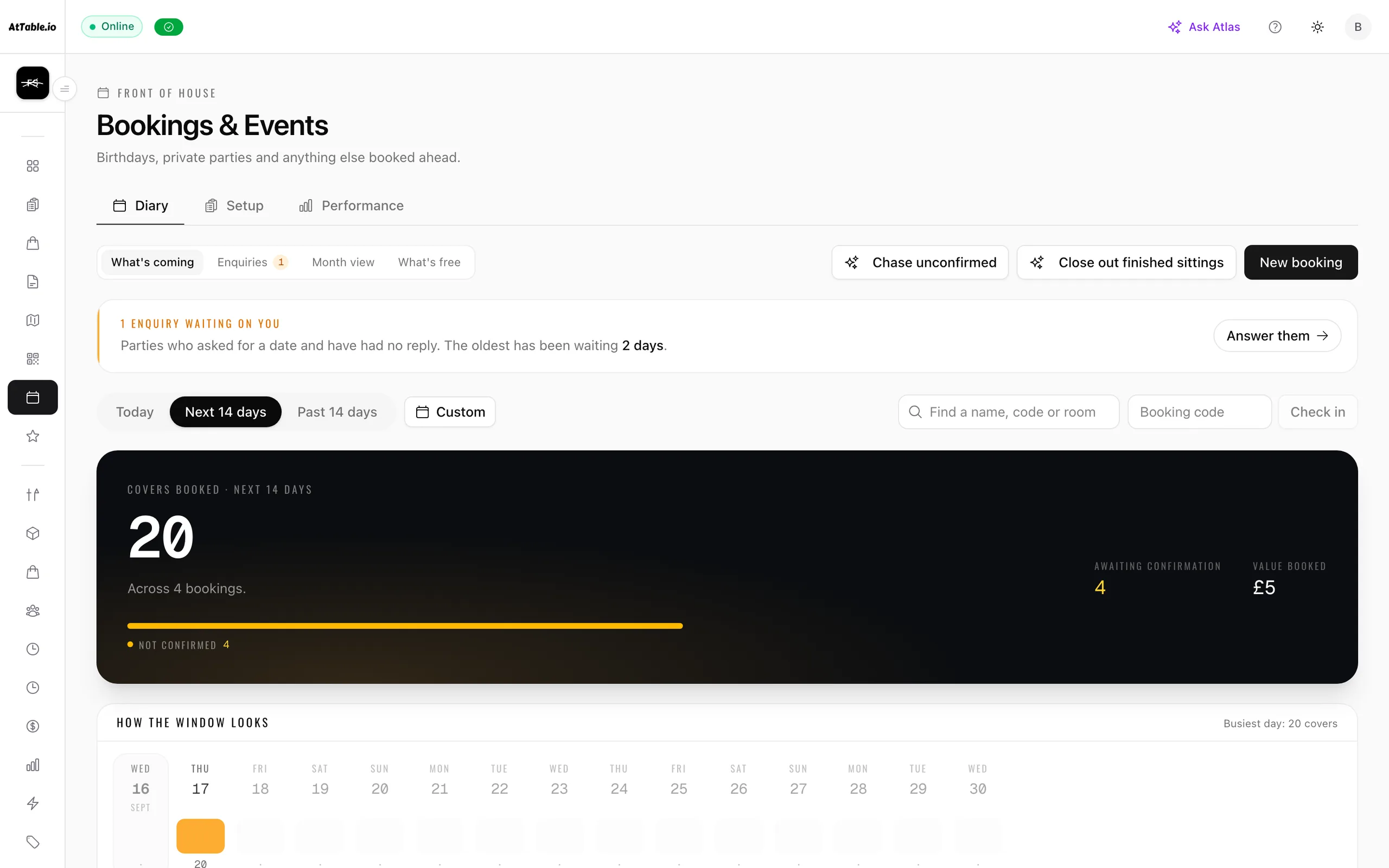
Guests book a table, a room or a whole event from your own page — they pick a sitting, add a package, pay a deposit and choose their food in advance. When they arrive, one tap seats them and the booking becomes a live table with the order already on it.
- Deposits taken up front
- Pre-orders become the order
- A code they can read out
What it does
Fill the diary — and give a forgotten table a chance to be sold again.
- Tables, rooms and whole events
- A bookable space carries its own party sizes, its own sittings and its own hire fee, so a two-top, the private dining room and a fifty-cover event are the same booking with different rules. Rooms that stay the night are priced by the night.
- The times you are actually offering
- You declare the sittings and how many covers and parties each one can take. Capacity is held as the booking is made, so two phones tapping at the same second cannot both take the last table.
- Deposits and packages
- Attach a set menu, a drinks package or a room hire to a sitting. The quote is priced from your catalogue on our side — the phone sends choices, never prices — and a deposit can be required before the table is held.
- Pre-orders that become the order
- What a party chooses in advance arrives as real order lines the moment they are seated, with the package price spread across the food. The kitchen gets a ticket and the bill adds up, instead of a note in a diary.
- A code they can read out
- Every booking gets six characters the guest can say at the door and staff can check in with. It confirms who they are and nothing else — it is never a key to anybody’s booking.
- A board that runs the day
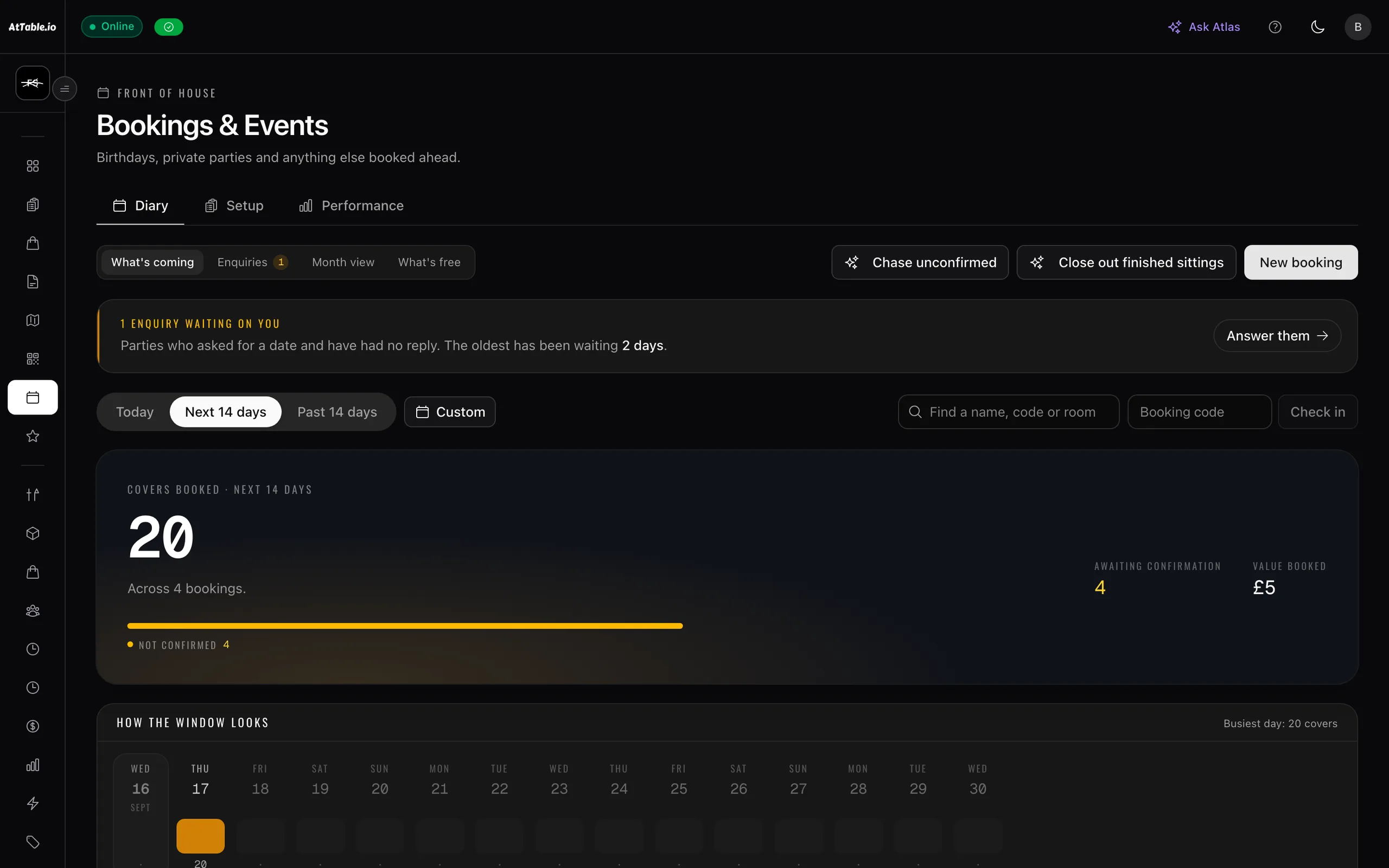
- Tonight’s parties in order, with covers, deposits, pre-orders, prep tasks and the table each one is going to. Seating a party opens its session and attaches the menu in the same tap.
See it
Example data
62
- Parties
- 5
- Value booked
- £2,140
- Deposits held
- £240
- Still owed
- £240
- 12:30WhitakerDining room · No pre-order—4
- 13:00Osei · 40thThe Loft · Sunday set menu · 18 pre-ordered£180 held18
- 13:00BaileyDining room · Booked 3 days ago—2
- 14:15Rahman · christeningThe Loft · Room hire · drinks package£240 owed32
- 19:30FerreiraWindow 4 · Tasting menu · 6 pre-ordered£60 held6
How it runs
In order
- Tue 11:20
They book from your page
Party size, space, sitting. They add the Sunday set menu, and the total is priced from your own catalogue rather than from anything their phone sent.
- Tue 11:21
Deposit taken, confirmation sent
The covers come out of that sitting’s capacity and the confirmation email goes out carrying the code. Still owe a deposit and the email says so instead of calling it confirmed.
- Sat 09:00
The kitchen orders against it
Covers booked above your usual run rate are added to the shopping list, so the beef is on the van before the party is anywhere near the room.
- Sun 13:02
They arrive and you seat them
One tap turns the booking into a live table. The pre-order becomes the ticket, and the deposit is already sitting against the bill.

What changes
Tonight, versus tonight with it on
- The diary is a notebook by the phone and one person can read the handwriting.
- Tonight’s parties on a board, with covers, deposits and pre-orders attached.
- A no-show costs you the table and the food you bought for it.
- A deposit is taken up front and settles against the bill when they turn up.
- The party’s menu choices sit in an email thread the kitchen never sees.
- Pre-orders arrive as real order lines the second they are seated.
- Nobody knows what Sunday is worth until Sunday is over.
- Value booked, deposits held and covers committed, before the day starts.
Where it sits
One system, five pillars
Bookings & events is part of bookings.
Fill the diary — and give a forgotten table a chance to be sold again. It runs on the same menu, the same tables and the same bill as everything else here — nothing to integrate, nothing to reconcile.
Know what sold, what almost sold, and what caused the difference.
Dish reviews · Revenue & attribution · Analytics · AI insights · Guest intelligence · Automated messaging · Experiments · Discounts & promotions · Campaigns
Take the order at the table, the counter or the kerb, and get it to the kitchen.
QR ordering · Digital menus · Live orders · Kitchen display · Guest payments · Dish recommendations · Sage AI waiter
Cost the menu on what you are actually paying for the food.
Stock & purchase orders
Compare what you ordered, what arrived, and what you were billed for.
Supplier control
Build the rota, publish it once, and know who did what on the floor.
Team & shifts