

What sold, what nearly sold, and what got ignored.
Most reporting can tell you the first one. This shows you the dish guests opened and put down, where they hesitated, and which parts of the menu nobody ever reaches.
- Views, not just orders
- Per dish and per section
- By day and by service
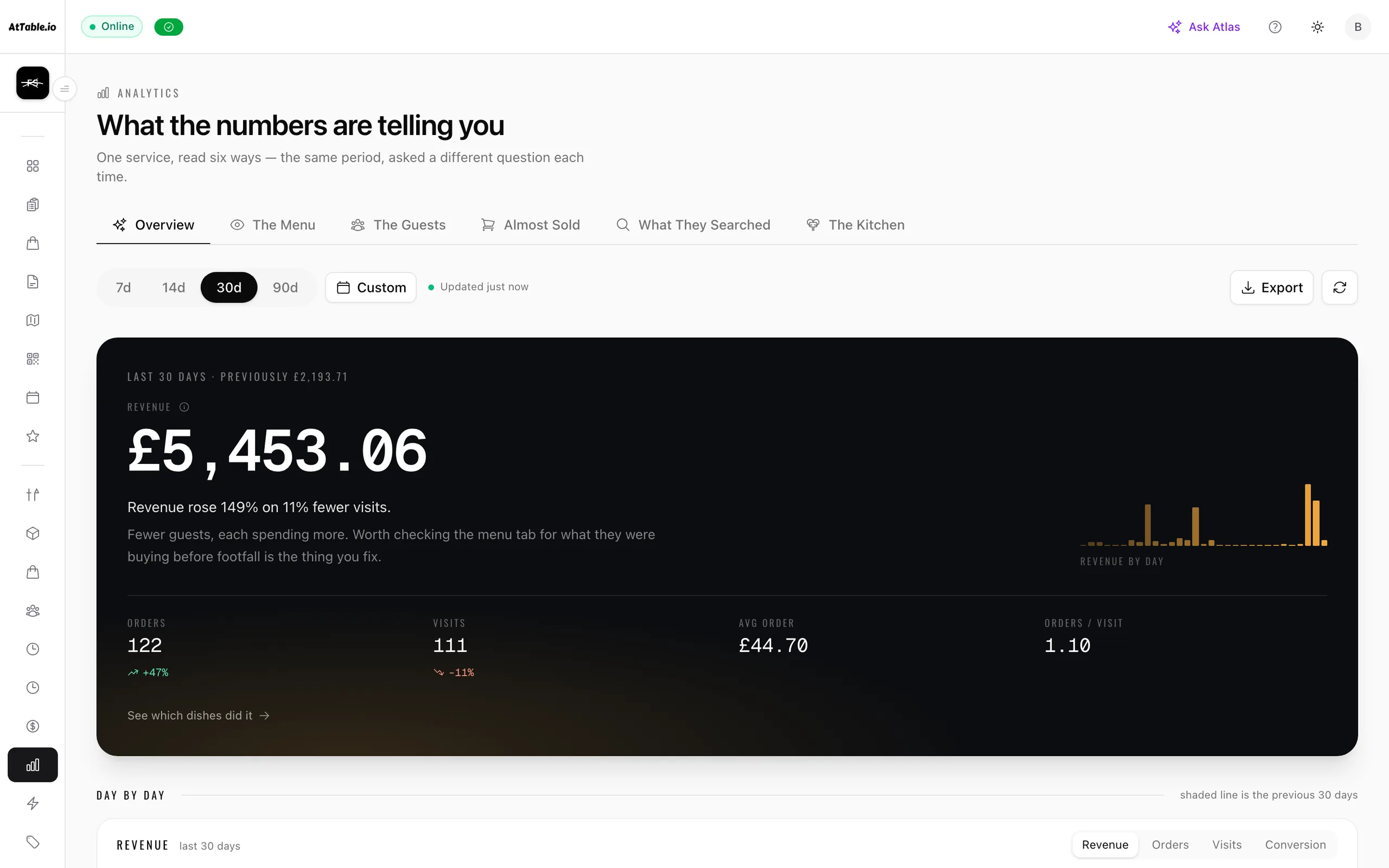
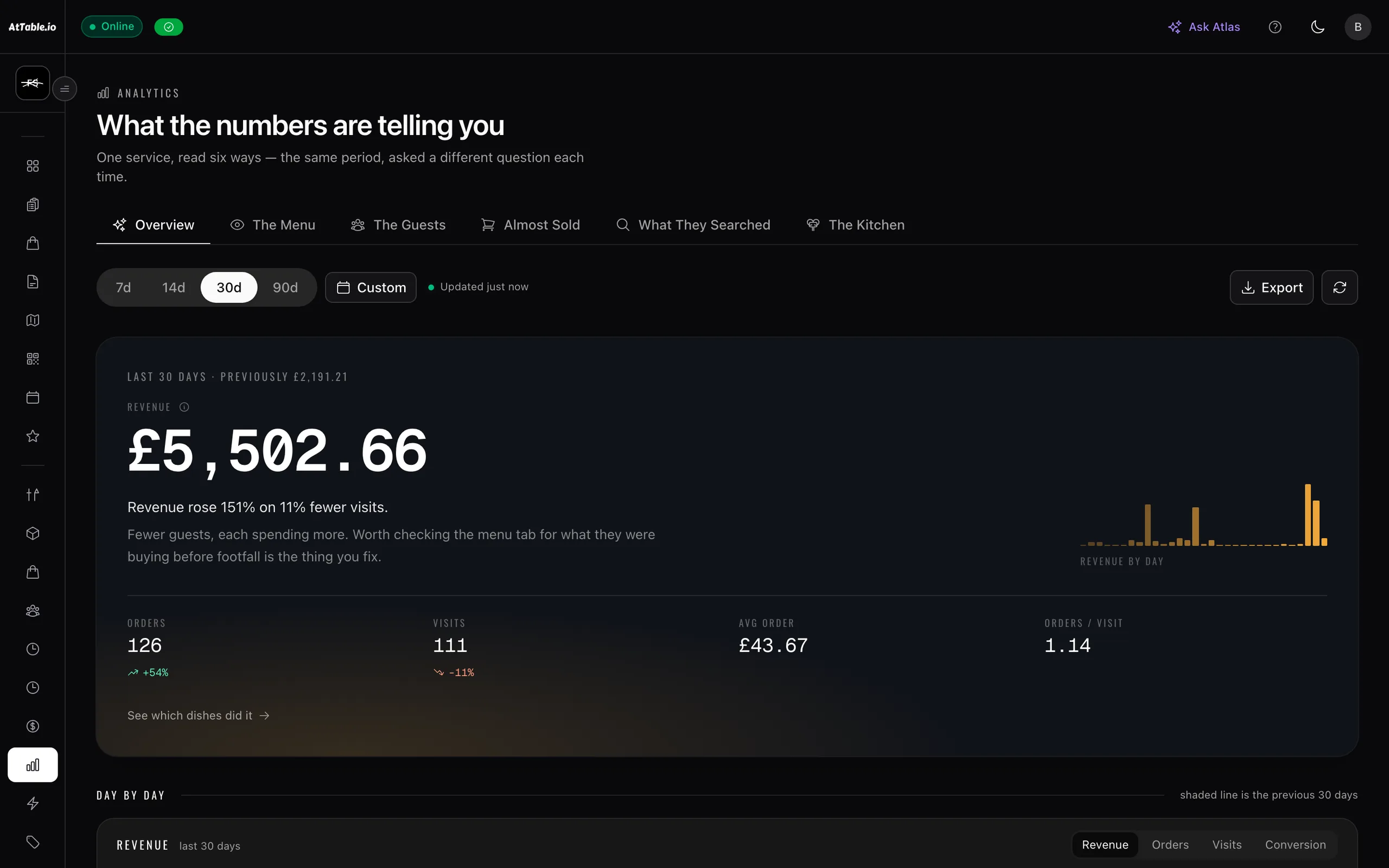
What it does
Know what sold, what almost sold, and what caused the difference.
- Opens as well as orders
- Every dish carries how many times it was looked at, not only how many times it was sold. The gap between those two numbers is the whole point.
- Where guests stop
- Dishes that are opened and abandoned, carts that are built and never submitted, sections nobody scrolls to.
- Split by how they got there
- Break a period down by table, by pickup, by delivery or by the till, so a change in one channel is not hidden inside a total.
- Comparable periods
- This week against last, this Friday against your Fridays, so a number has something to mean against.
See it
Example data
| Dish | Opened | Ordered | Converts | The read |
|---|---|---|---|---|
| Truffle Risotto | 156 | 12 | 7.7% | Opened and put down |
| Wagyu Burger | 184 | 21 | 11.4% | Worth a look |
| Sea Bass | 42 | 18 | 42.9% | Doing its job |
| Halloumi Skewer | 96 | 31 | 32.3% | Doing its job |
| Sunday Roast | 61 | 9 | 14.8% | Worth a look |
Your till can give you the third column. The second one — how many people looked at a dish and walked away — is the one that tells you what to change.
Where it sits
One system, five pillars
Analytics is part of revenue & insights.
Know what sold, what almost sold, and what caused the difference. It runs on the same menu, the same tables and the same bill as everything else here — nothing to integrate, nothing to reconcile.
Take the order at the table, the counter or the kerb, and get it to the kitchen.
QR ordering · Digital menus · Live orders · Kitchen display · Guest payments · Dish recommendations · Sage AI waiter
Fill the diary — and give a forgotten table a chance to be sold again.
Bookings & events
Cost the menu on what you are actually paying for the food.
Stock & purchase orders
Compare what you ordered, what arrived, and what you were billed for.
Supplier control
Build the rota, publish it once, and know who did what on the floor.
Team & shifts