

Every pound, traced to what caused it.
Not just what you took, but what brought it in — the promoted dish, the win-back email, the discount code, the guest who came back. Each pound is credited once.
- Credited once
- Source on every order
- Billed vs collected
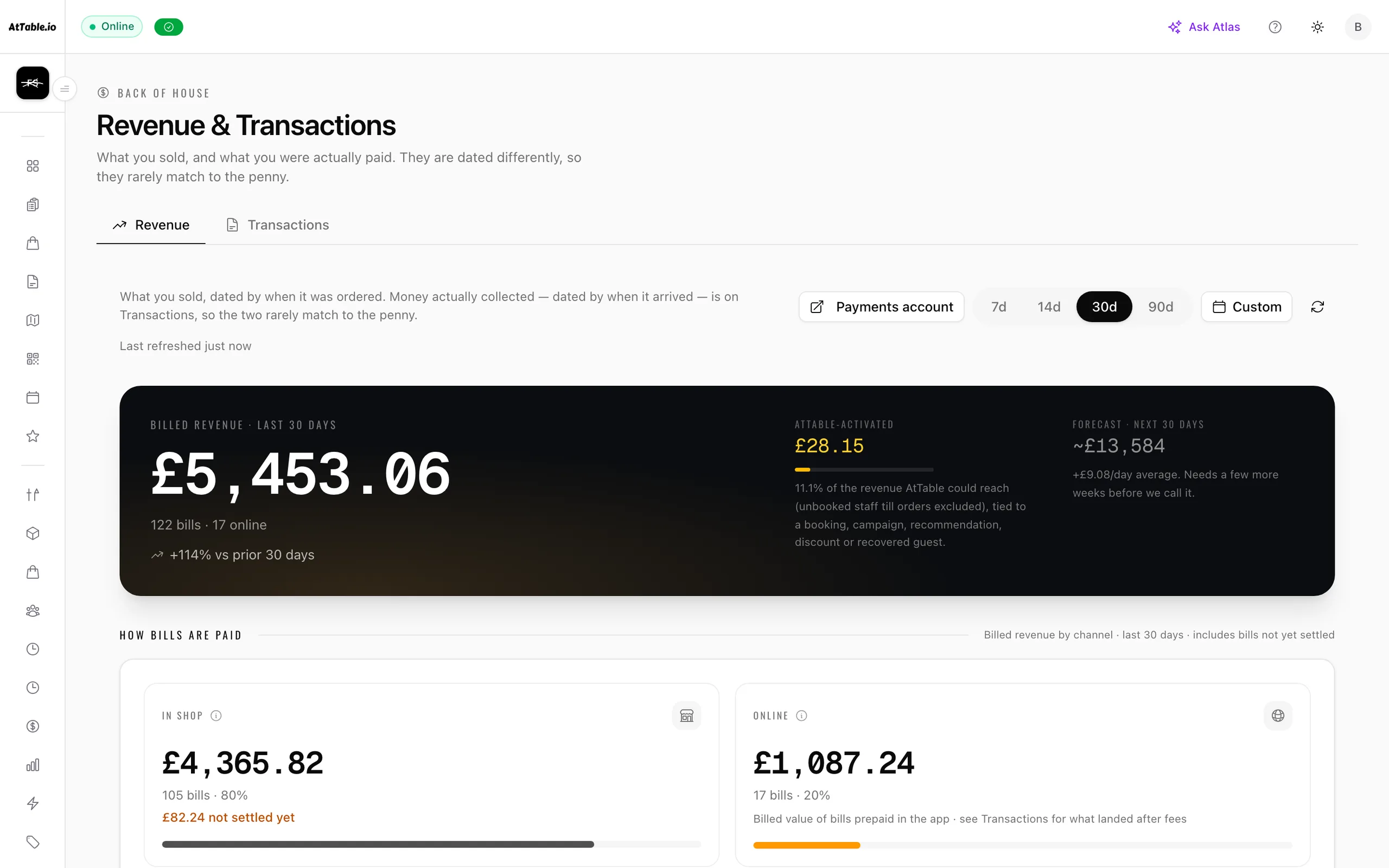
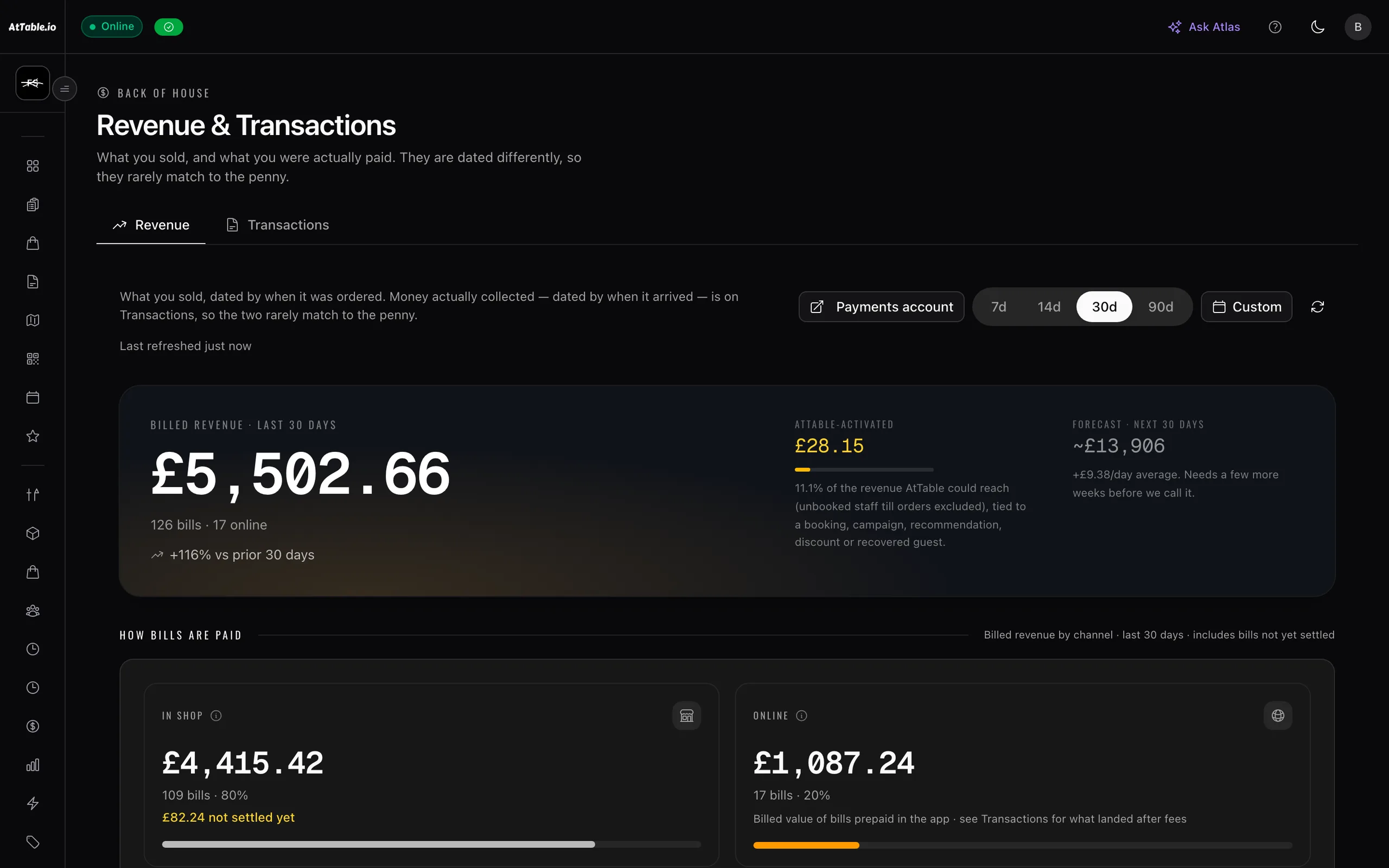
What it does
Know what sold, what almost sold, and what caused the difference.
- One pound, one source
- An order is attributed to the thing that actually caused it, and only the promoted items credit a campaign. The rest is counted as organic rather than inflating the number that made someone look good.
- Where the order came from
- A QR scan at the table, a link in an email, a pickup order, a sale rung through the till — each is its own bucket rather than everything landing in one pile.
- Billed and collected are different numbers
- What a table was charged and what has actually cleared are shown as two figures, because a night can look finished and still be waiting on money.
- Comps and discounts counted
- A discount applied to a whole session never touches the individual order lines, so it is accounted for separately instead of quietly disappearing from the total.
See it
Example data
£12,401
Every order carries the thing that caused it. Nothing is counted twice, and a campaign is only credited with the dishes it actually promoted.
- QR at the table
- 58%£7,190
- Pickup & delivery
- 17%£2,108
- Rung through the till
- 12%£1,488
- Campaigns & win-backs
- 9%£1,116
- Discount codes
- 4%£499
Amber is the money AtTable moved — £1,615 of the £12,401, traced to a specific send or code rather than assumed.
Where it sits
One system, five pillars
Revenue & attribution is part of revenue & insights.
Know what sold, what almost sold, and what caused the difference. It runs on the same menu, the same tables and the same bill as everything else here — nothing to integrate, nothing to reconcile.
Take the order at the table, the counter or the kerb, and get it to the kitchen.
QR ordering · Digital menus · Live orders · Kitchen display · Guest payments · Dish recommendations · Sage AI waiter
Fill the diary — and give a forgotten table a chance to be sold again.
Bookings & events
Cost the menu on what you are actually paying for the food.
Stock & purchase orders
Compare what you ordered, what arrived, and what you were billed for.
Supplier control
Build the rota, publish it once, and know who did what on the floor.
Team & shifts